
YouTube Immersion Filter for Japanese
YouTube is full of Japanese listening practice buried under an algorithm that keeps serving your native language. よむ's immersion filter retunes the feed: it keeps Japanese and comprehensible-input videos and quietly hides the rest. Free, no account.
How the filter works
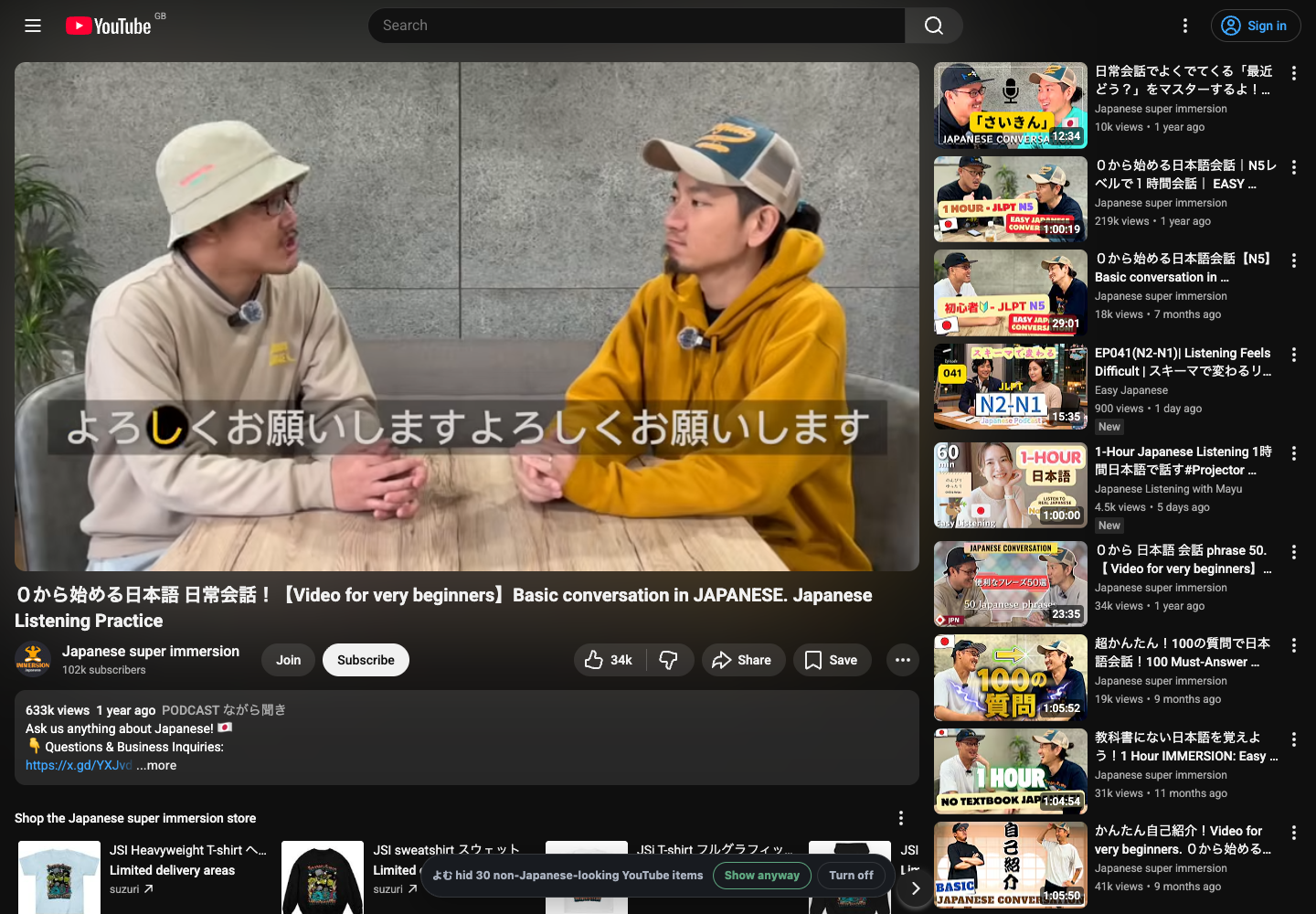
On by default, the filter checks each video's original title through oEmbed and keeps Japanese-learning and comprehensible-input content — even English-titled channels like Comprehensible Japanese — while hiding non-Japanese cards across recommendations, search, and sidebars. Playback, subtitles, and よむ controls keep working. A temporary notice shows how many cards were hidden; use Show hidden videos to reveal them, Hide notice to keep the filter without the banner, or Alt+Y to toggle it. See all features for the full breakdown.
A starter guide when you're new
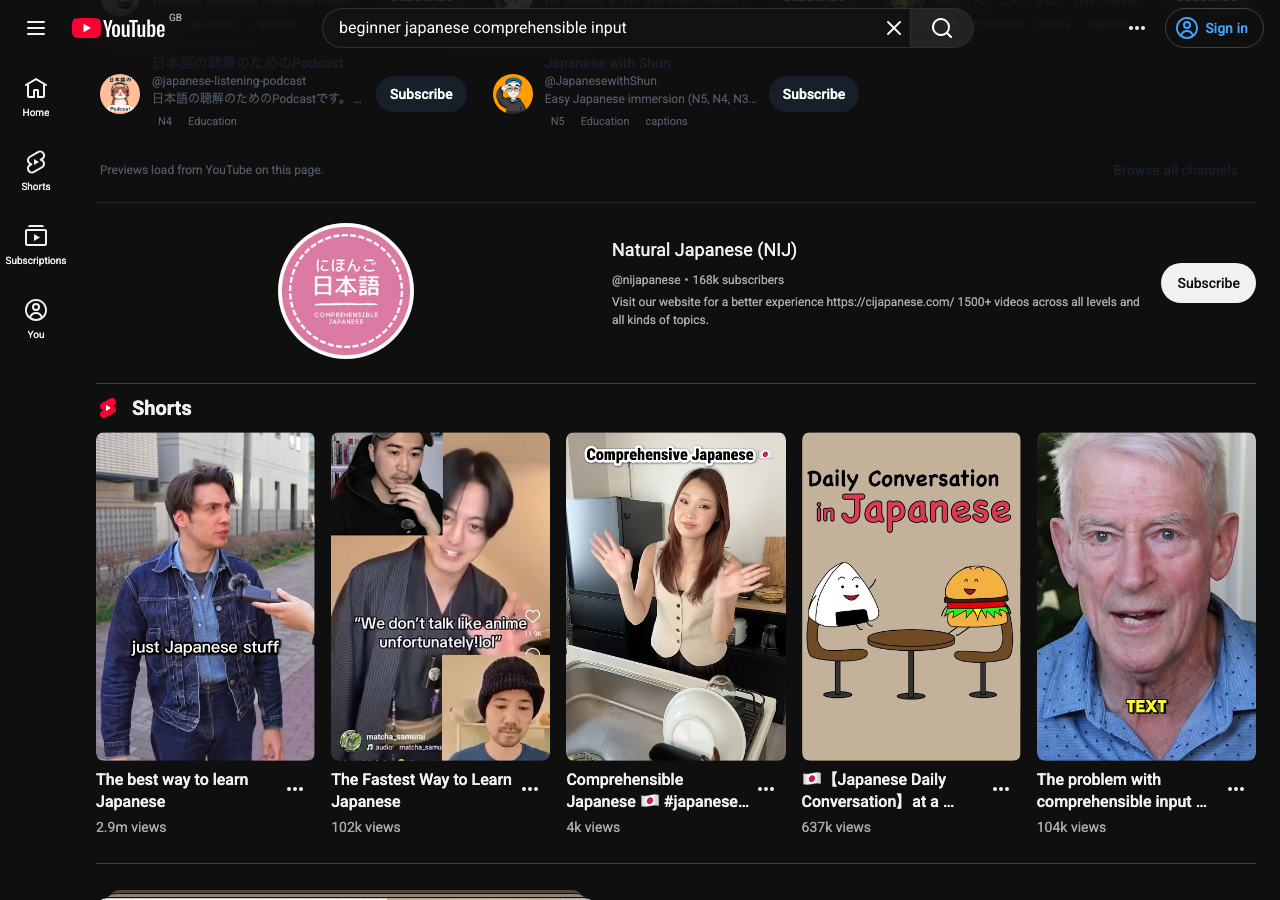
On the YouTube home feed, once よむ hides enough English-heavy recommendations, it can offer a dismissible starter guide of Japanese YouTube channels. Use Show all to browse the full 100-channel list with direct subscribe links, or Never show to turn it off.
Read while you watch
The filter pairs with よむ's subtitle tools: Japanese lines become tappable words with a transcript panel and one-tap mining to Jiten, JPDB, or Anki. Filtering finds the videos; the subtitle reader makes them comprehensible.
Set it up
- Install the free よむ userscript (see the setup guide).
- Open YouTube — the filter runs automatically.
- Use
Alt+Yto toggle it, or open subtitle controls to read along.
Questions
Does it keep English-titled learner channels? Yes — comprehensible-input channels like Comprehensible Japanese stay visible even with English titles, because the filter checks the original title via oEmbed.
Does it break YouTube? No — playback and subtitles keep working; toggle the filter with Alt+Y.
Can I look up the subtitles? Yes — pair it with the subtitle reader to make Japanese lines tappable and minable.
Related guide: Comprehensible-input Japanese: best YouTube channels.